Connecting Telegram
One bot for the whole platform: carousel exports, copywriter posts, daily trends, transcription files and Trend Radar briefs.
6 steps≈ 3 minDesktop · Mobile
The ViralExpert bot in Telegram is your “pocket” for everything the platform makes: slides and PDFs from the editor, posts from the copywriter, morning trends, transcripts as files and briefs from Trend Radar land here. It's connected once in any tool and works everywhere. Viral Leadbot has its own, separate link.
Step-by-step guideDesktop version
Where the connection lives
- In the carousel editor — the gear ⚙ icon in the top bar: the “Telegram publishing settings” window opens
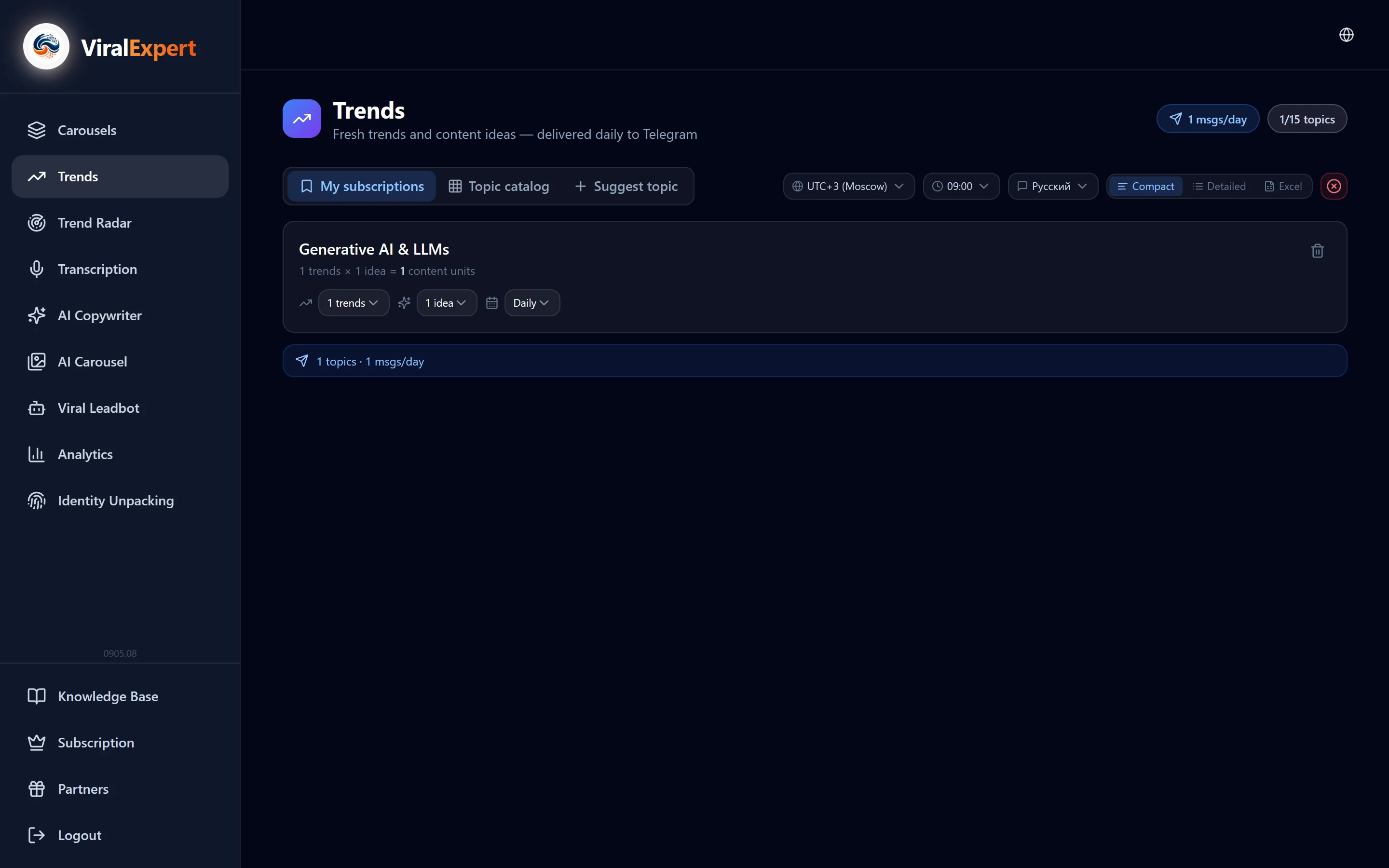
- In the “Trends” section — the “Delivery settings” bar with the Telegram status
- In the copywriter, transcription and Trend Radar the “Telegram” button itself suggests connecting if the bot isn't linked yet
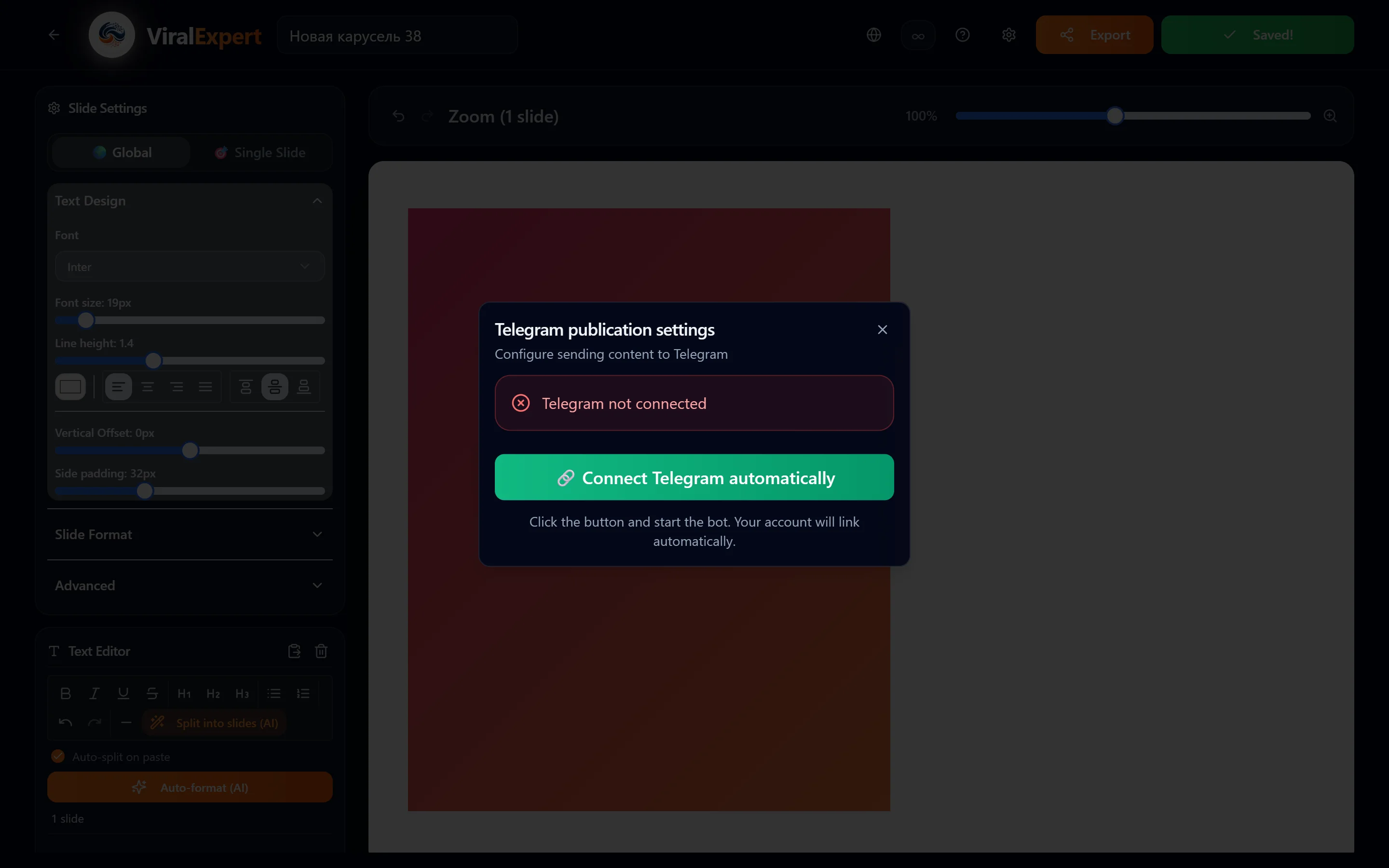
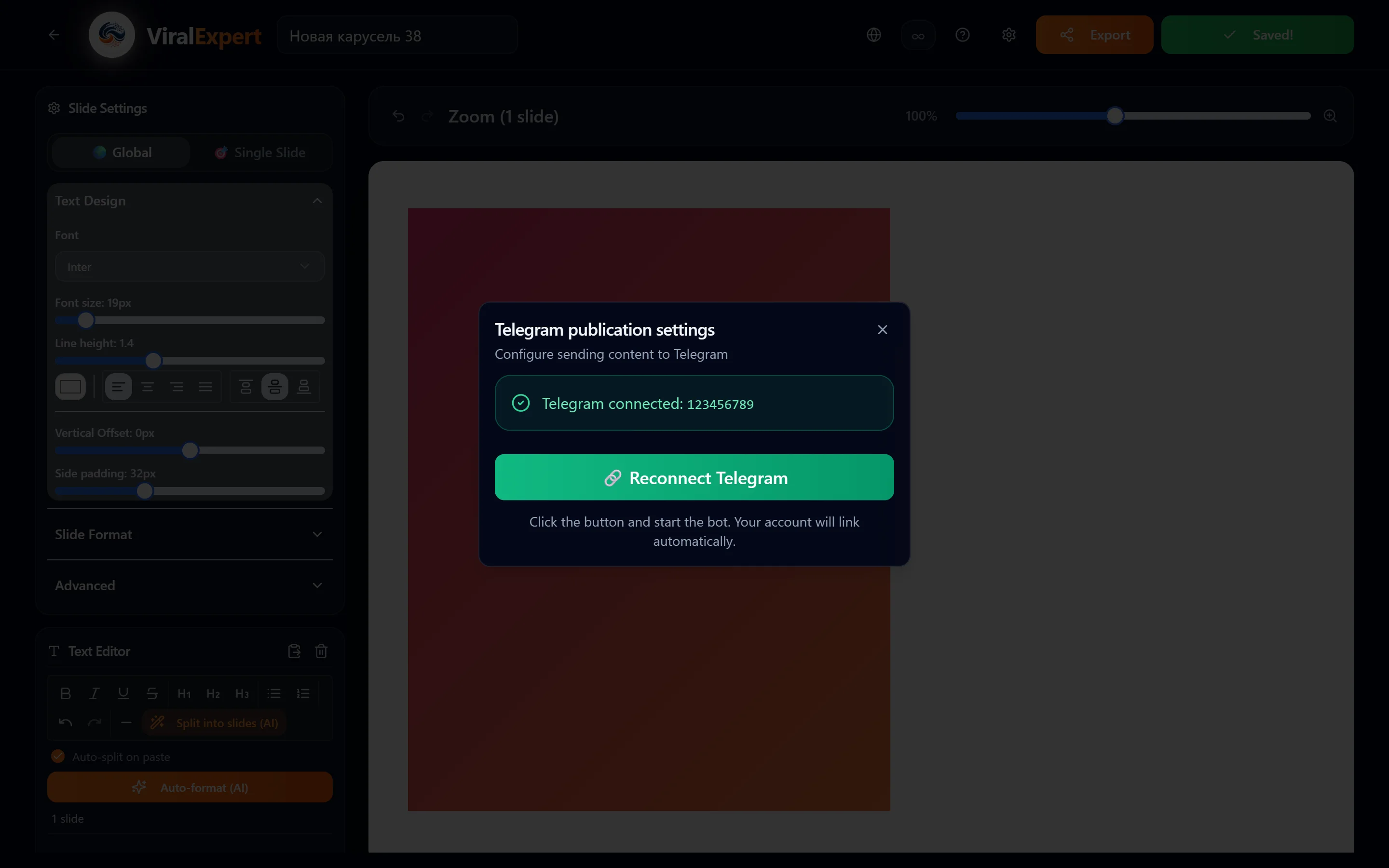
- The status in the window: “Telegram connected” or “Telegram not connected”
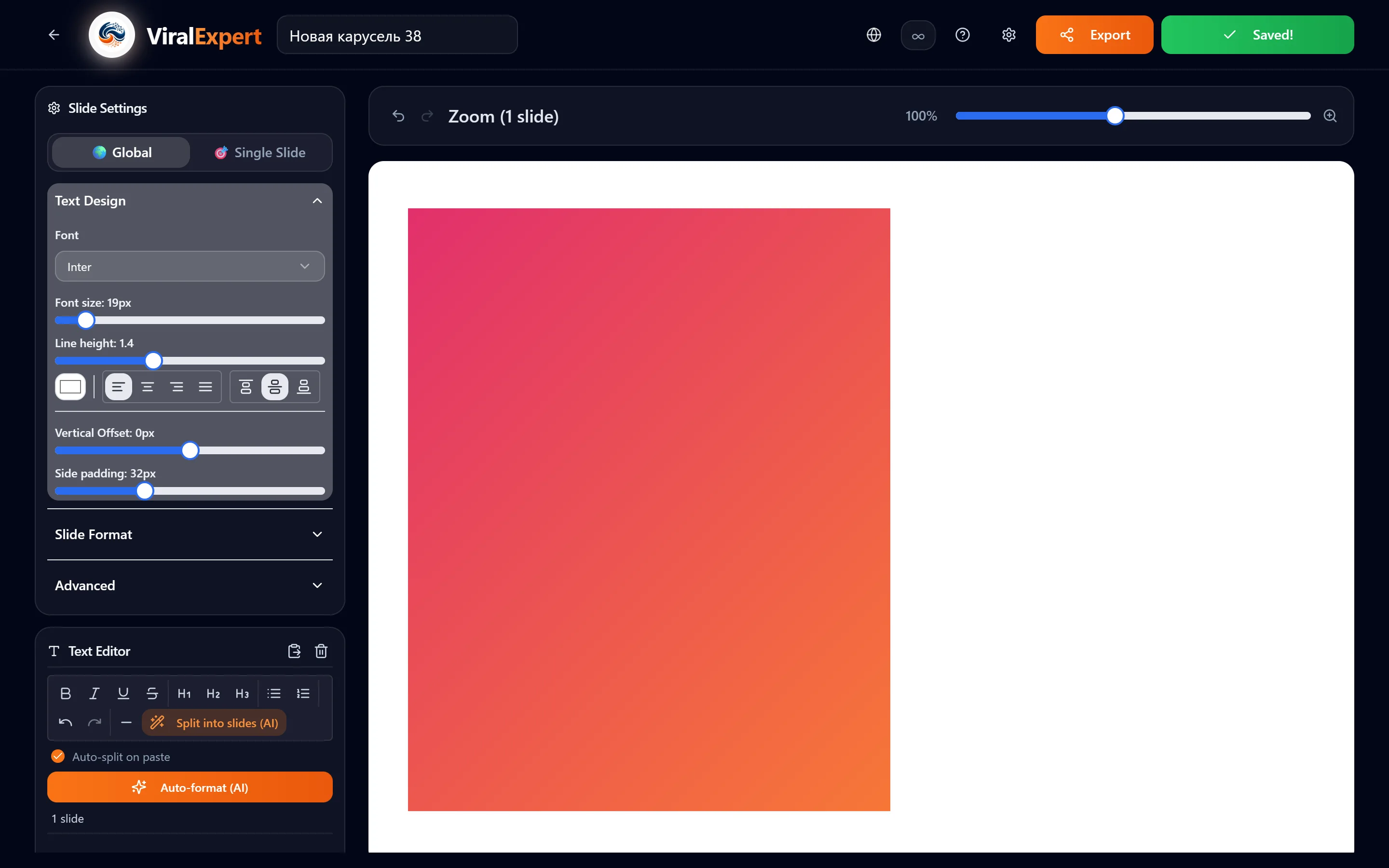
Automatic connection
- Click “Connect Telegram automatically”
- Telegram opens with the ViralExpert bot — press “Start”
- Go back to the site: the status updates by itself — “Telegram connected!”
- The link is valid for 5 minutes. If Telegram didn't open automatically (the browser blocked the window), click “Open the Telegram bot” under the button
Tip
Connecting is easiest on the phone: the button opens the Telegram app directly.
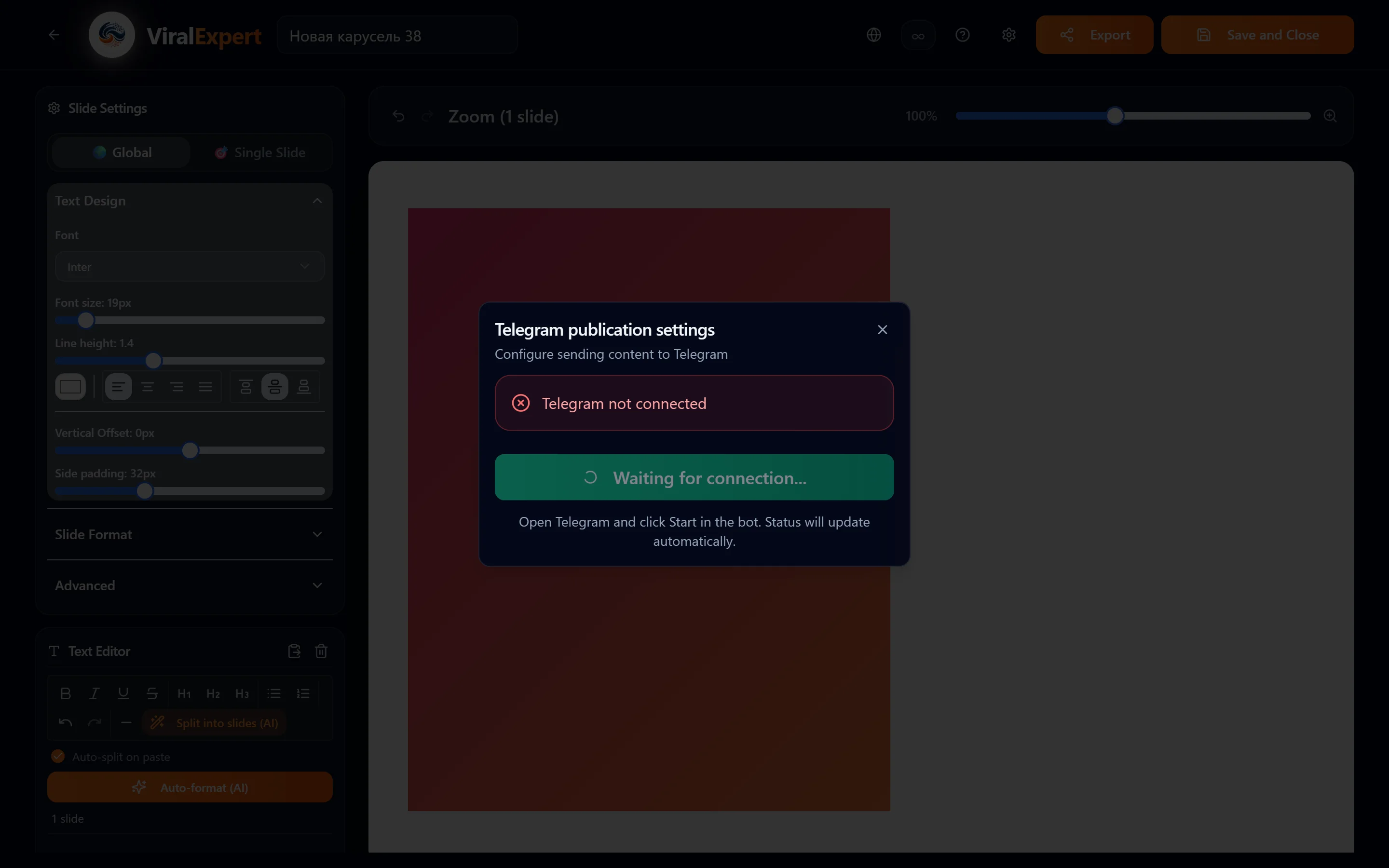
If Telegram didn’t open
- After you press the button, the line “Waiting for connection…” and the link “Open the Telegram bot” appear — click it if the Telegram window didn’t open by itself
- The link is valid for 5 minutes; if you missed it, press “Connect Telegram automatically” again
- Not finished within a minute — the status “Connection not completed”: repeat from the phone, where the button opens the Telegram app directly
Note
There is no manual Chat ID entry any more — linking works only through the button, which is more reliable.
Checking and reconnecting
- If the status still hasn't changed after a minute — “Connection not completed” — press the button again
- The bot doesn't react to Start: delete the chat with the bot in Telegram and repeat the connection
- Changed your Telegram account — click “Reconnect Telegram” in the same window
What arrives in the bot
- Carousels — slides as images or a PDF with the description as a caption (Export → Telegram)
- Posts and headlines from the AI Copywriter and the Archive
- Trends — daily messages for your subscriptions at the chosen time
- Transcripts — as PDF, DOCX, TXT, CSV, SRT, VTT files
- Trend Radar — texts and briefs from the clip panel
- Affiliate program — notifications about referrals and payouts, if you turn them on in the “Partners” section
Tip
From the chat with the bot any message is forwarded to your channel in two taps — the fastest way to publish from your phone.
Viral Leadbot — a separate link
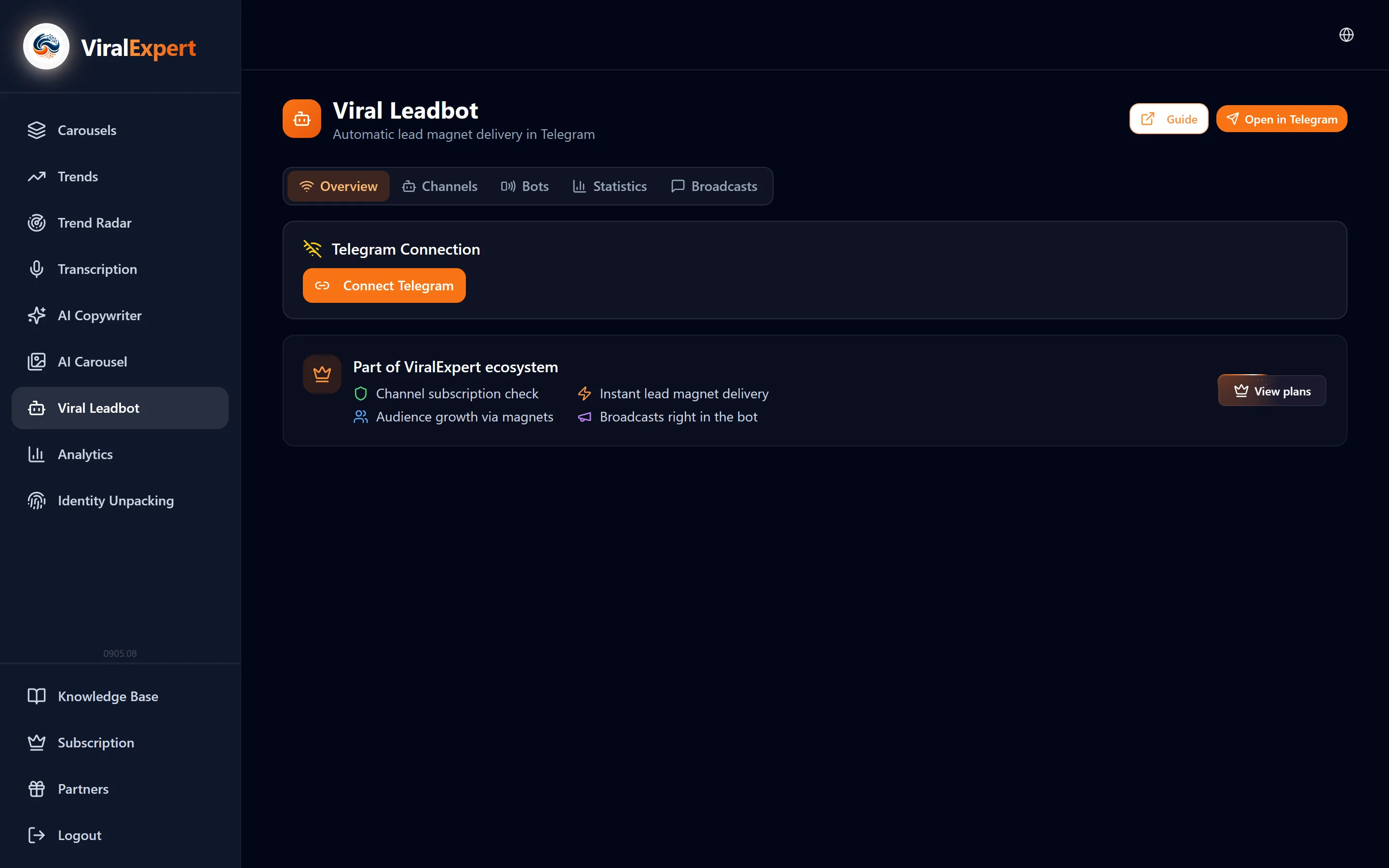
- Lead magnets work through a different bot — @ViralLeadBot — and are linked on the “Overview” tab of the Viral Leadbot section
- Connecting the ViralExpert bot from this section doesn't affect Leadbot, and vice versa
Note
Details in the “Viral Leadbot” section, step 1.
FAQ
Ready to try?
Every tool is free to start. No card required.