Viral Leadbot
Lead magnets and broadcasts for a Telegram channel: a button under the post, subscription check, automatic delivery.
8 steps≈ 8 minDesktop · Mobile
Viral Leadbot puts a button under a post in your Telegram channel. A subscriber taps it, the bot checks the subscription and instantly sends the material in a private message; those who aren't subscribed are asked to subscribe. Lead magnets and broadcasts are created right in Telegram via the @ViralLeadBot bot, while in the ViralExpert dashboard you link your account and watch the statistics.
Step-by-step guideDesktop version
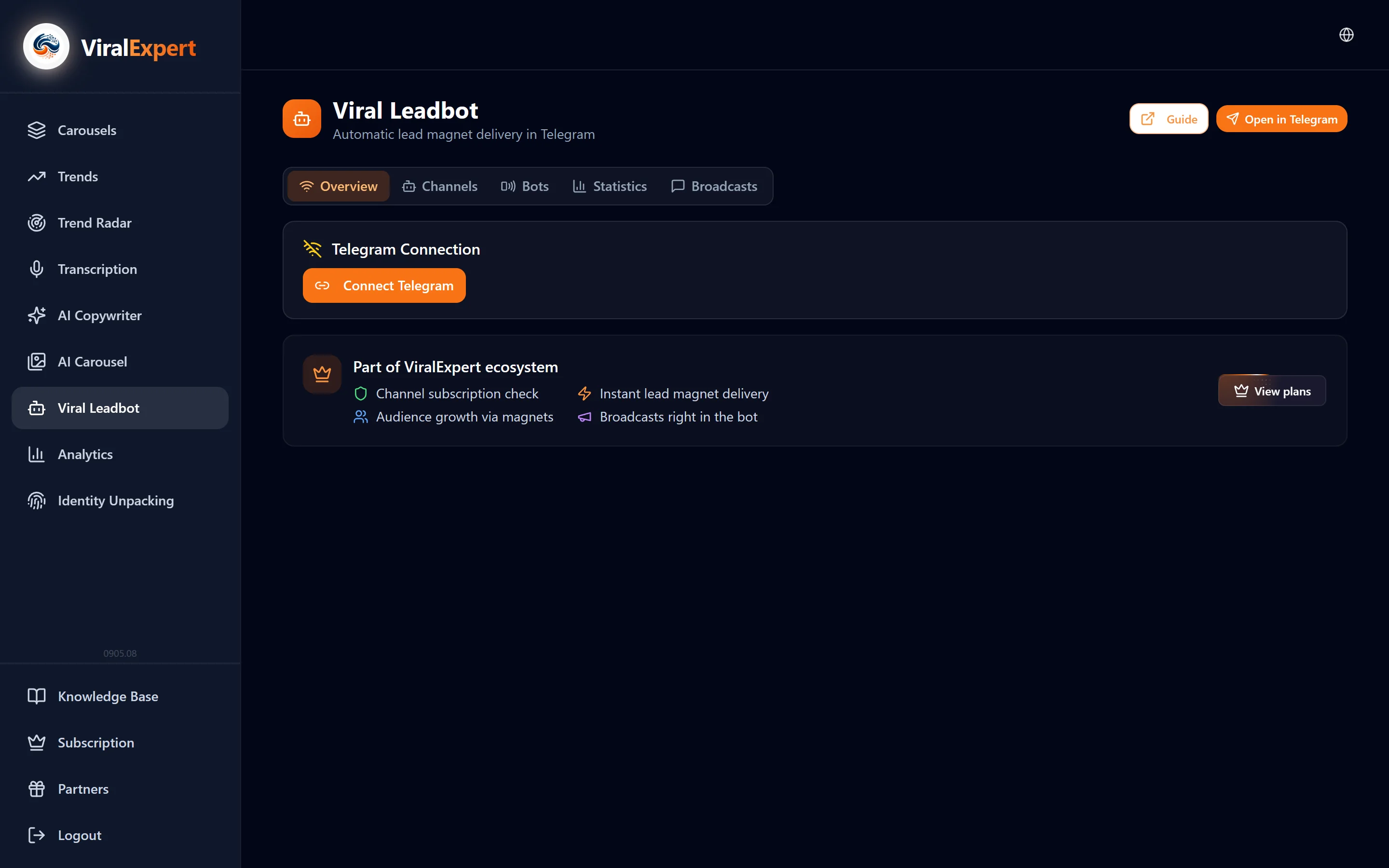
Link your Telegram account
- In the sidebar open “Viral Leadbot” and the “Overview” tab
- In the “Telegram link” block click “Link Telegram” → “Open the bot to link”
- In Telegram press “Start” — the account gets linked, the dashboard status changes to “Connected as @your_handle”
- The link is valid for 10 minutes; if you didn't make it, press the button again
Note
Linking is needed so the dashboard shows your channels, lead magnets and statistics. You can unlink the account in the same place with “Unlink Telegram”.
Add the bot as a channel administrator
- In Telegram open your channel settings → Administrators → Add administrator
- Find @ViralLeadBot and grant it the rights to post and edit messages — without them the bot can't put a button under a post
- Works with private channels too
- The channel appears in the dashboard's “Channels” tab with the number of lead magnets and subscribers
Important
On Start and Pro you can connect one channel, on Pro+ — without limits.
Create a lead magnet
Everything is done in the bot itself — no need to open the website.
- Open @ViralLeadBot and choose “Set a button”
- Send the link to the post in the channel that needs the button
- Write the button text — e.g. “Download the guide”
- Upload the material: PDF, video, audio, photo, text or a chain of up to 10 messages
- The bot adds the button under the post itself — the lead magnet is ready
Tip
Address the subscriber by name in the delivery text — the bot fills it in automatically: “Hi, John! Here's your guide”.
Check what the subscriber sees
- Tap the button under the post from another account or ask a friend
- Subscribed to the channel — the material arrives in private messages instantly
- Not subscribed — the bot asks to subscribe and delivers the material after subscribing
- Files are protected from forwarding: the recipient can't send them on
Launch a branded bot
- The “Bots” tab shows your bots and their status: active / inactive
- Click “Create a bot in Telegram” and follow the instructions in @ViralLeadBot: the bot will have your name and avatar
- From then on lead magnets can be delivered only through it — you don't have to use the shared bot
Note
Start and Pro — 1 branded bot, Pro+ — no limit. One plan covers both the shared bot and yours.
Watch the statistics
- On “Overview” — the summary: channels, lead magnets, clicks, deliveries
- The “Statistics” tab — a table per lead magnet: name, channel, clicks, deliveries, conversion
- Data appears automatically after the first lead magnet
Send broadcasts
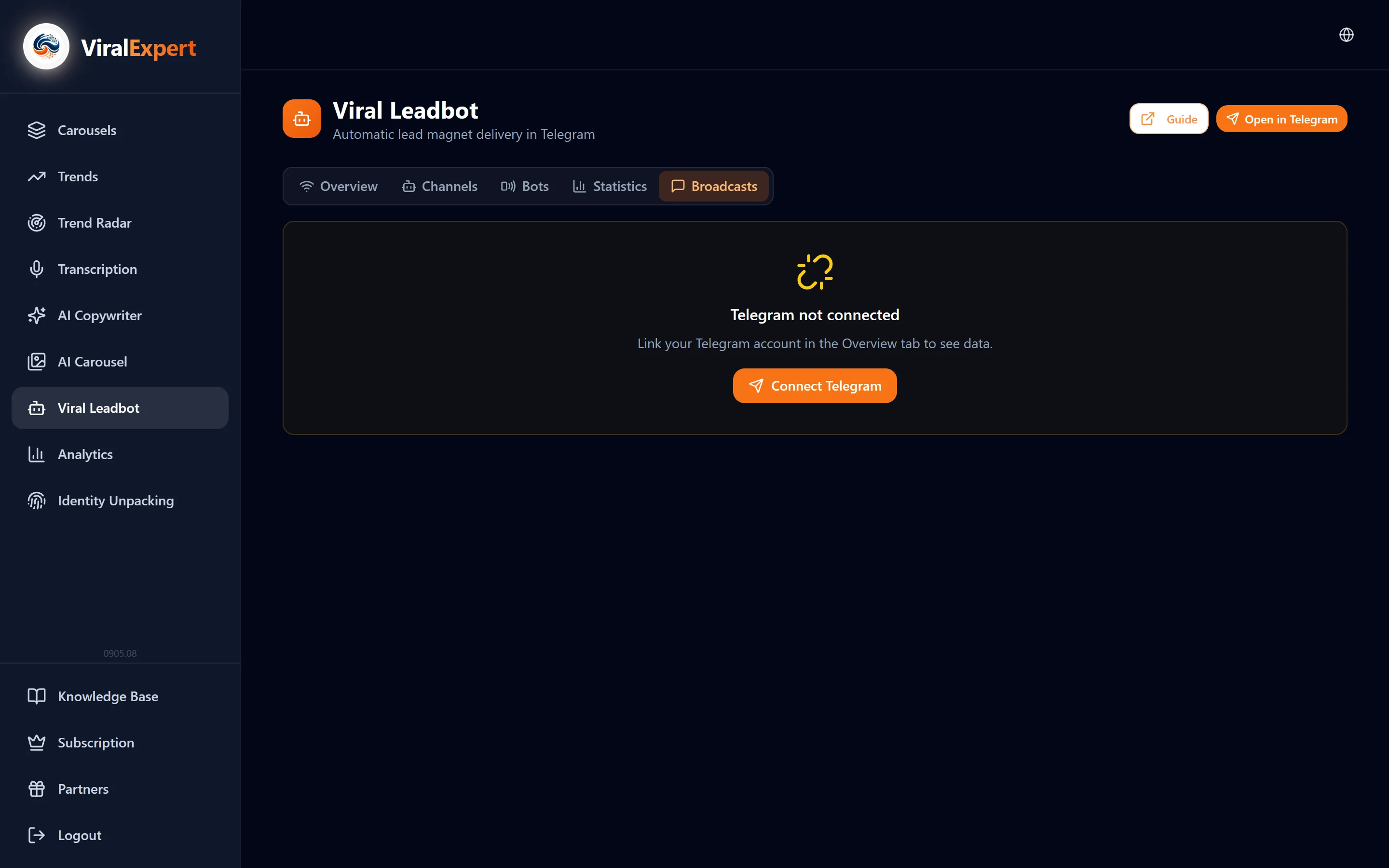
- Broadcasts are created in the bot: the “Broadcasts” tab → “Open the bot to create a broadcast”
- In the bot choose the audience — all recipients or subscribers of a specific channel or material, write the message and send it right away or schedule it
- The dashboard keeps the history: how many delivered, what's scheduled
Important
Broadcasts are available on Pro and Pro+. There are none in the trial.
Plans and the trial
- Trial — 7 days free after connecting: 1 channel + 1 branded bot, unlimited lead magnets, basic statistics; the timer is on “Overview”
- Pro — 1 channel + 1 bot, unlimited lead magnets, broadcasts, extended statistics and export
- Pro+ — unlimited channels, bots and broadcasts, priority support
- After the trial the bot stops delivering materials, but all settings are kept until payment
FAQ
Ready to try?
Every tool is free to start. No card required.