Personality unpacking
Answer questions — get a ready voice for the copywriter: a style and a meta-message built from your words, type and archetype.
8 steps≈ 10 minDesktop · Mobile
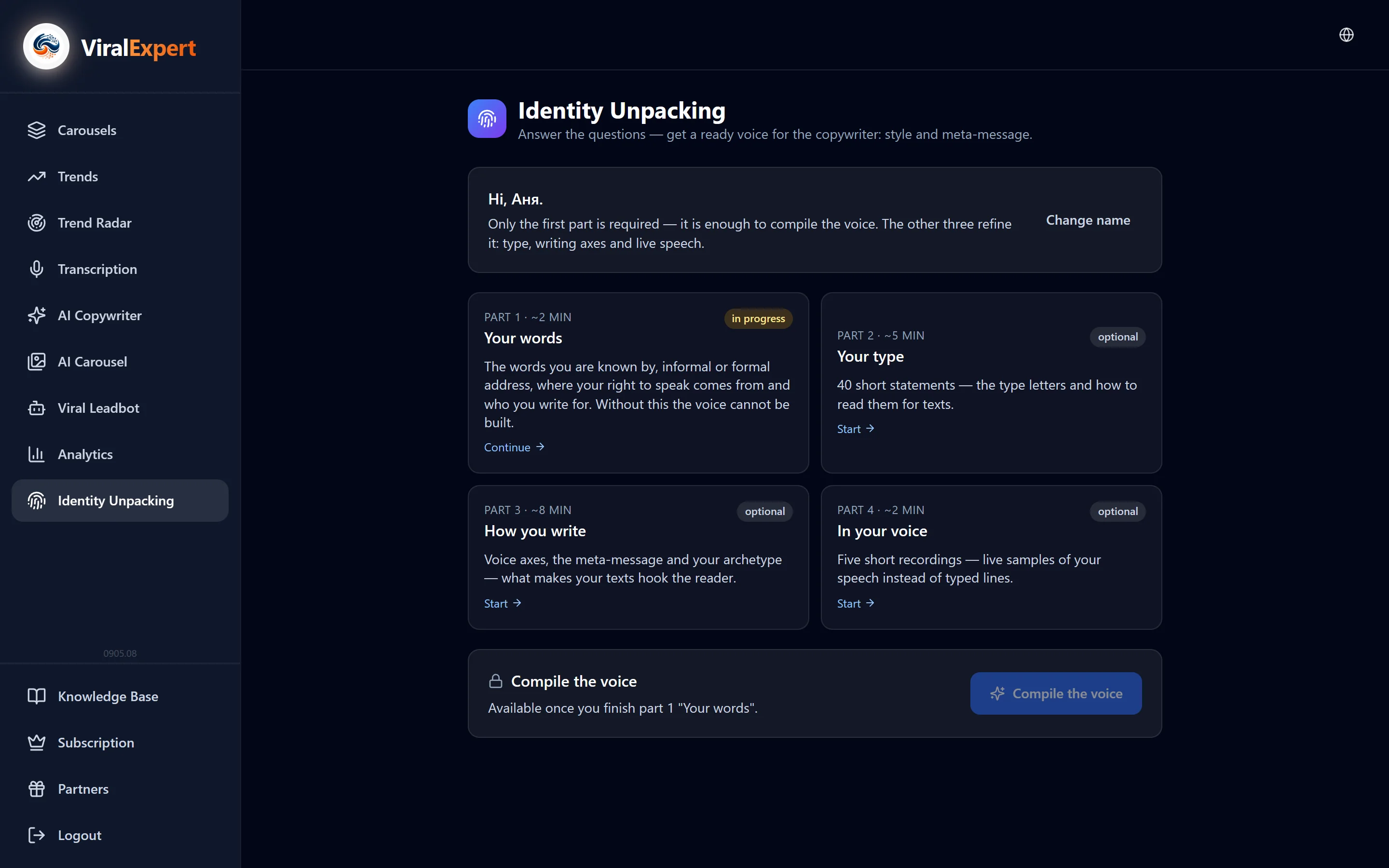
Personality unpacking is a four-part questionnaire from which the AI builds your voice: how you speak, which words give you away, what position you write from and what the reader should think of you between the lines. Only the first part is required — it's enough to build a voice in a couple of minutes. The other three refine it: psychotype, writing axes and live speech. The built voice immediately appears in the AI Copywriter's voice list and writes for you from then on.
Step-by-step guideDesktop version
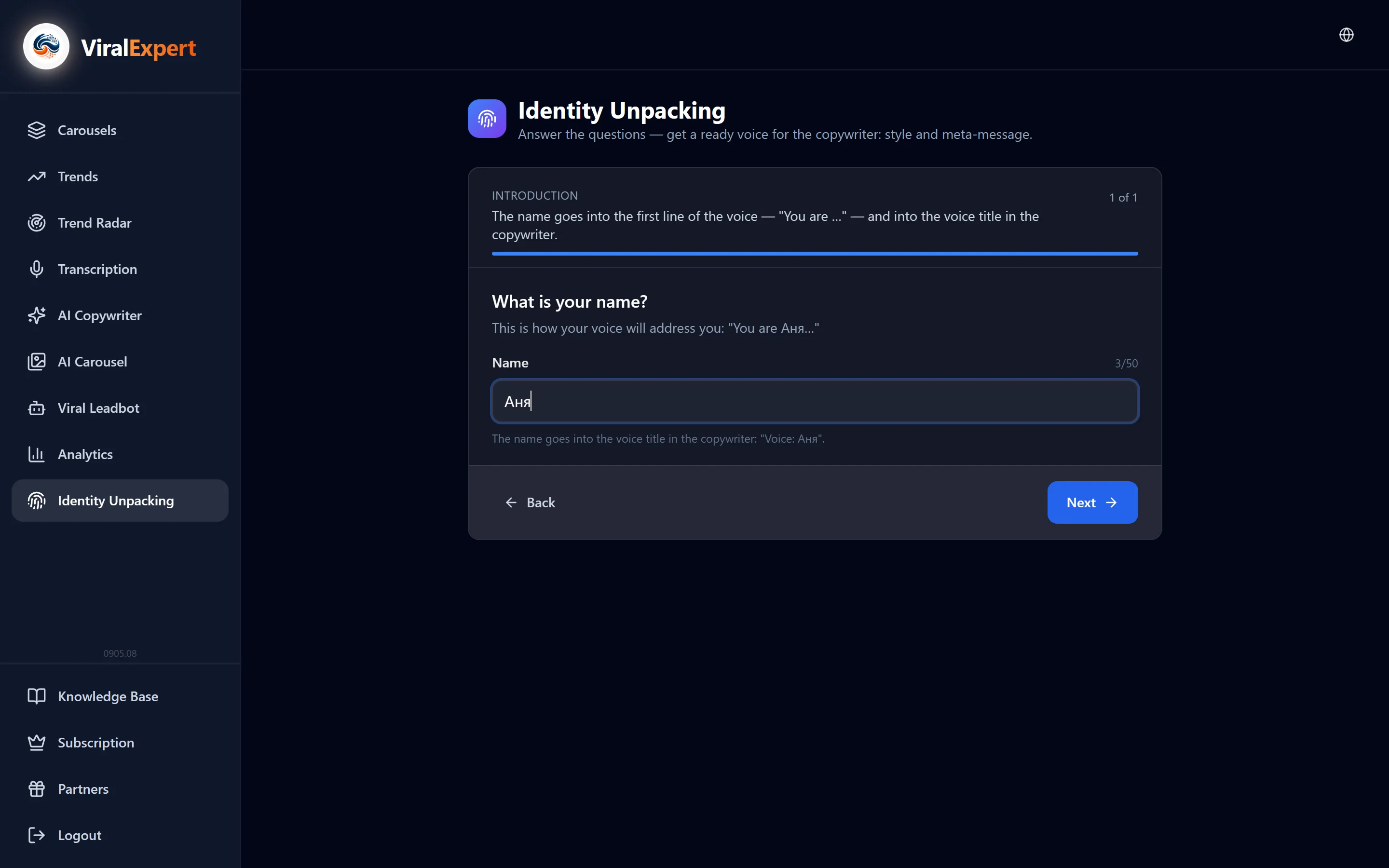
Open the unpacking and introduce yourself
- In the sidebar click “Personality unpacking”
- The first screen is “What's your name?”: the name goes into the first line of the voice (“You are Anna…”) and into its name in the copywriter — “Voice: Anna”
- Next is the overview screen: four parts marked required / optional, the time for each and the “Start”, “Continue”, “Redo” buttons
Note
Answers are saved after every screen. You can close the page at any time and come back — the progress stays.
Part 1 “Your words”: language space and signature words
- Language space — where your speech formed: Russian-, Ukrainian-, English-, Spanish-speaking or other; if you live in another country, mark both
- Regions and cities — several are fine; nothing fits — just “Next”
- Signature words — a grid of words by group: “ones you're recognized or teased for”, “how you start a thought”, “how you intensify”, “how you address people”. Tap everything that actually slips out in your speech; the “Show words from other regions” button widens the list
- Tap a word — an example appears on the right of how it lands in a phrase
- Your own words — comma-separated, the way you say them: with mistakes, mixed dialect, abbreviations. Can be skipped
Tip
Mark what you say, not what you like. The voice is built from facts, not compliments.
Part 1 continued: dosage, you/formal you, position, reader, world
- Dosage — how often each word may appear in a text: often (no more than twice per post), occasionally, only if it fits naturally, remove; and the overall cap per post: no more than one, one or two, or free
- Informal or formal address — how you address an unfamiliar reader; there's also “it varies”
- What position you speak from — one of six: “lived it through and through”, “I do it every day”, “many went through it with me”, “I know it deeper than most”, “I'm in it right now”, “I see and feel it before others”. Plus one line: what you went through yourself
- Who you write to — one reader in one phrase: where they are now and what hurts
- What can be known about you — personal facts for texts and how often to mention them: don't, in passing, openly
- World — cities appropriate in examples, home town, currencies you count in, and taboos: what must never appear in texts
Important
Taboos are strict: countries, topics, brands and words from this list are never used by the model in any text.
Build the voice
- After the first part, “Build voice” appears on the overview
- Building runs on the server for 1–3 minutes: the model writes the “Voice style” and “Meta-message” from your answers and translates them for the generator. You can close the page — the result saves itself
- The finished voice is saved in the AI Copywriter right away as the “Voice: Name” preset and is used for generation
Note
Parts 2–4 can be done later. After them click “Rebuild from answers” — the voice updates with the type, axes and live speech.
Part 2 “Your type”
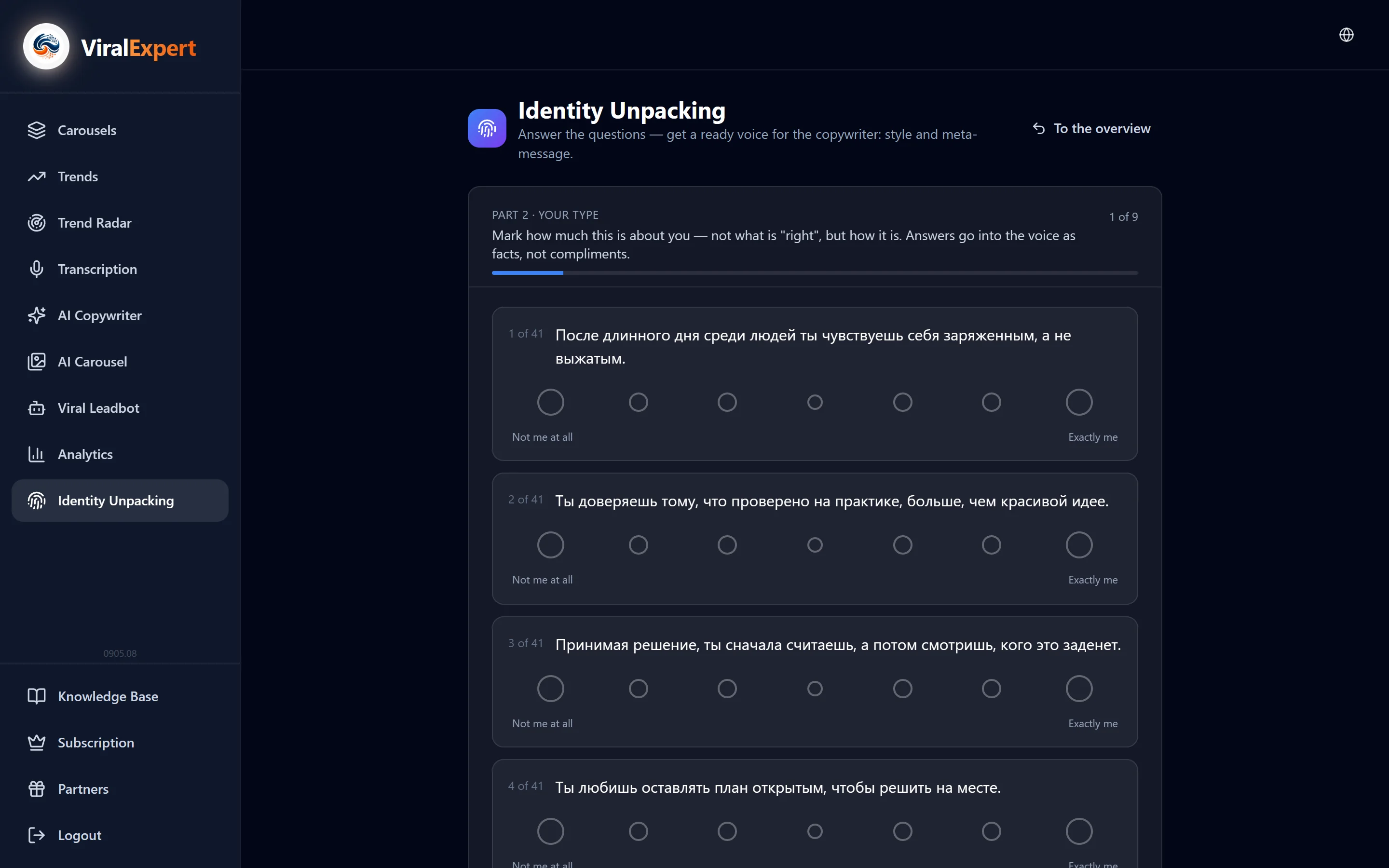
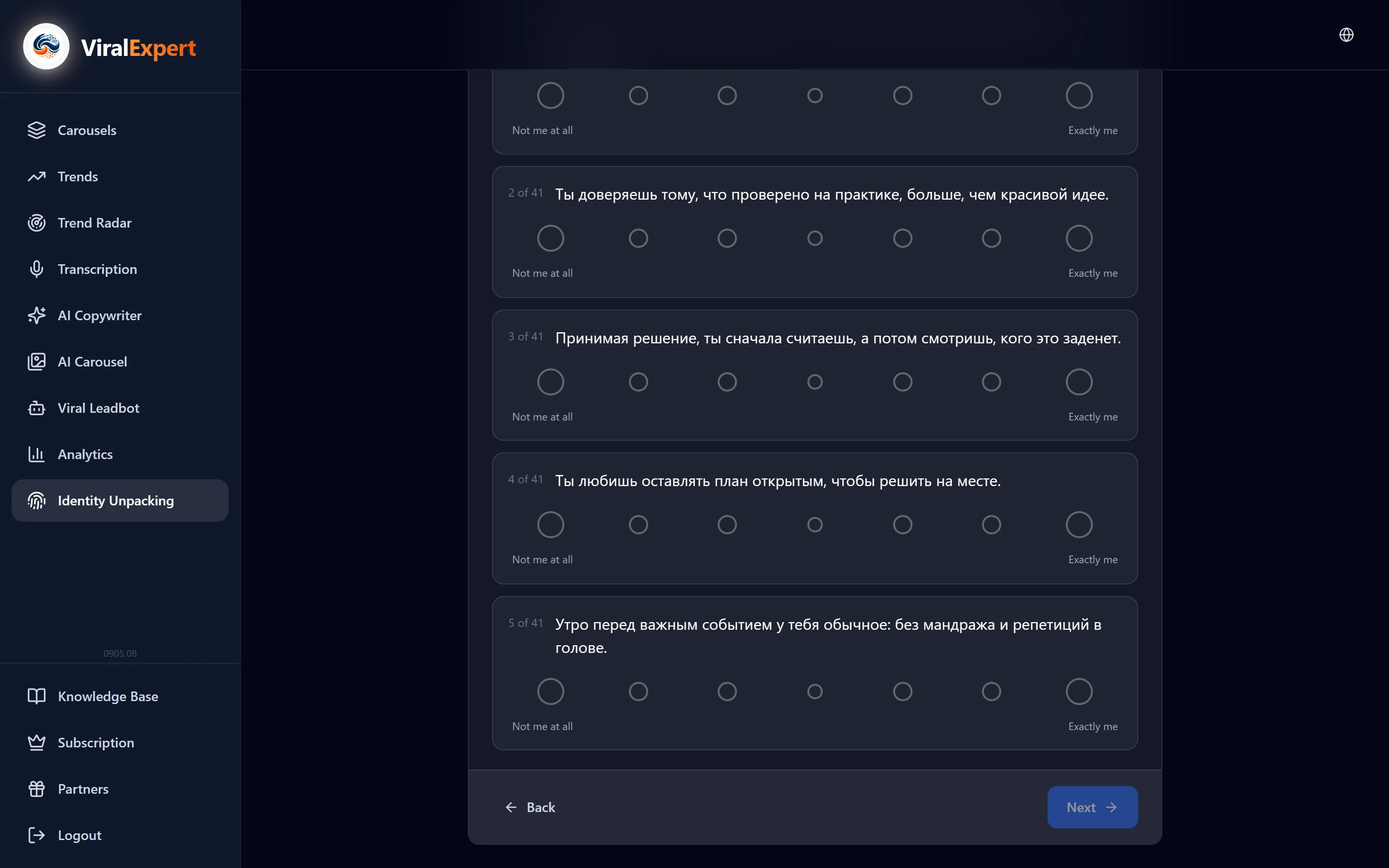
- 40 short statements on a scale from “Not me at all” to “Exactly me” — answer as it is, not as “correct”
- If some axis is nearly tied, a clarification appears: four extra questions or “Keep as is” — a dash in a letter is an honest result too
- The result is a type card: the letters and five axes (Energy, Outlook, Decisions, Lifestyle, Attitude) with a reading for texts, e.g. “The one who delivers the verdict” or “The one who shows rather than proves”
Tip
If the answers went on autopilot, the card says so: “the result is worth double-checking”. The part can be retaken later.
Part 3 “How you write”
- Voice axes — pairs of options: “what matters more to you?” and “which of the two sounds like you?”. Answer quickly
- Meta-message — ten pairs from five phrases (“he can be trusted”, “he really knows his stuff”, “he's interesting to watch”…), then ranking: the top three become the voice's meta-message
- Archetype — two questions about motivation, then the model suggests a role: confirm it, choose between two or skip — texts won't get worse without an archetype
- Twelve roles: Ruler, Sage, Hero, Outlaw, Magician, Explorer, Creator, Everyman, Lover, Jester, Caregiver, Innocent. Each has a description and a test “if… — it's not your archetype”
Part 4 “By voice”
- Five questions you answer out loud: tap the microphone, speak as you do, then “Stop and transcribe”
- Aim for 15–30 seconds, but the recording won't cut off; any question can be skipped or the answer typed
- A recording can be re-recorded or you can keep the previous recording
Note
If the browser won't give microphone access, answer in text — the “I'd rather type” button.
The result: edit, rebuild, keep versions
- Two cards — “Voice style” and “Meta-message”: these are the fields of your preset in the copywriter. Edit → Save: the English version for the generator rebuilds itself
- “Open copywriter” — straight to generating with this voice; the “Preset name” can be changed
- “Questionnaire” — all questions with answers, read-only; “Download all as PDF” or .md
- “Complete” — do the remaining parts; “Retake part N” clears only that part
- “Rebuild from answers” rewrites both texts from scratch: manual edits are lost, and the current version goes to the unpacking archive
- “Start over” — everything from the first screen; the current unpacking is also saved in the archive, from where it can be restored
Important
Voice texts have a length limit: if the copywriter rejects the preset after an edit, shorten the text to the suggested limit.
FAQ
Ready to try?
Every tool is free to start. No card required.