Affiliate program
Up to 30% of every payment by your referrals across five levels, for life. Link, statistics, payouts in USDT.
5 steps≈ 4 minDesktop · Mobile
Recommend ViralExpert with your link and earn a commission on every payment by the people you invited — and by those they invited, down to the fifth level. The “Partners” section shows clicks, sign-ups, payments and earnings, lets you withdraw funds in USDT and set up Telegram notifications.
Step-by-step guideDesktop version
Get your link
- In the sidebar click “Partners”
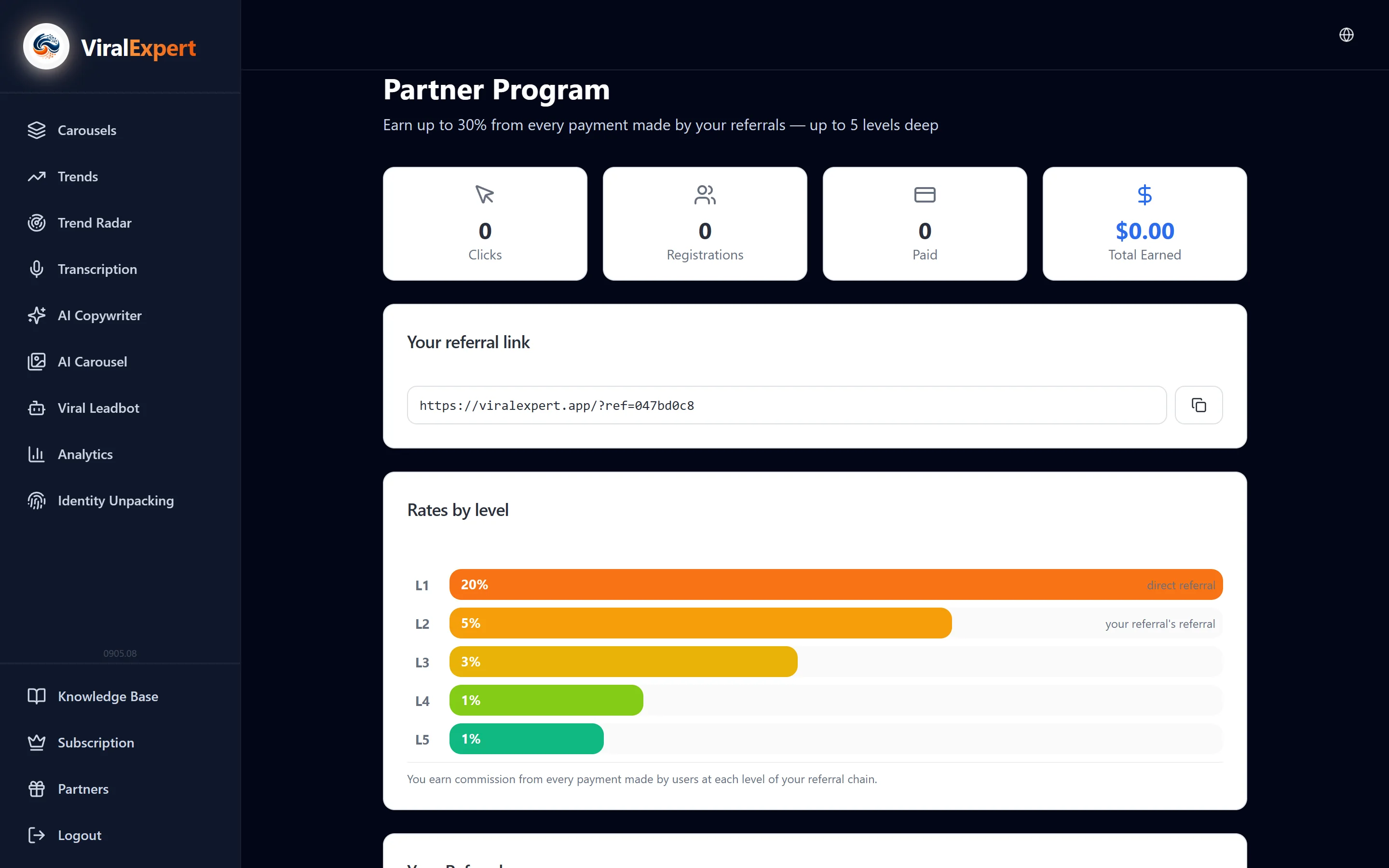
- At the top — “Your referral link” and a copy button; next to it the “Available for withdrawal” widget
- Everyone who signs up via the link is attached to you. The cookie lives 90 days: if a person clicks today and signs up in a month, they're still yours
Tip
Invitees get bonus carousel exports — worth mentioning in your recommendation: “sign up with my link and get extra exports”.
How the commission is counted
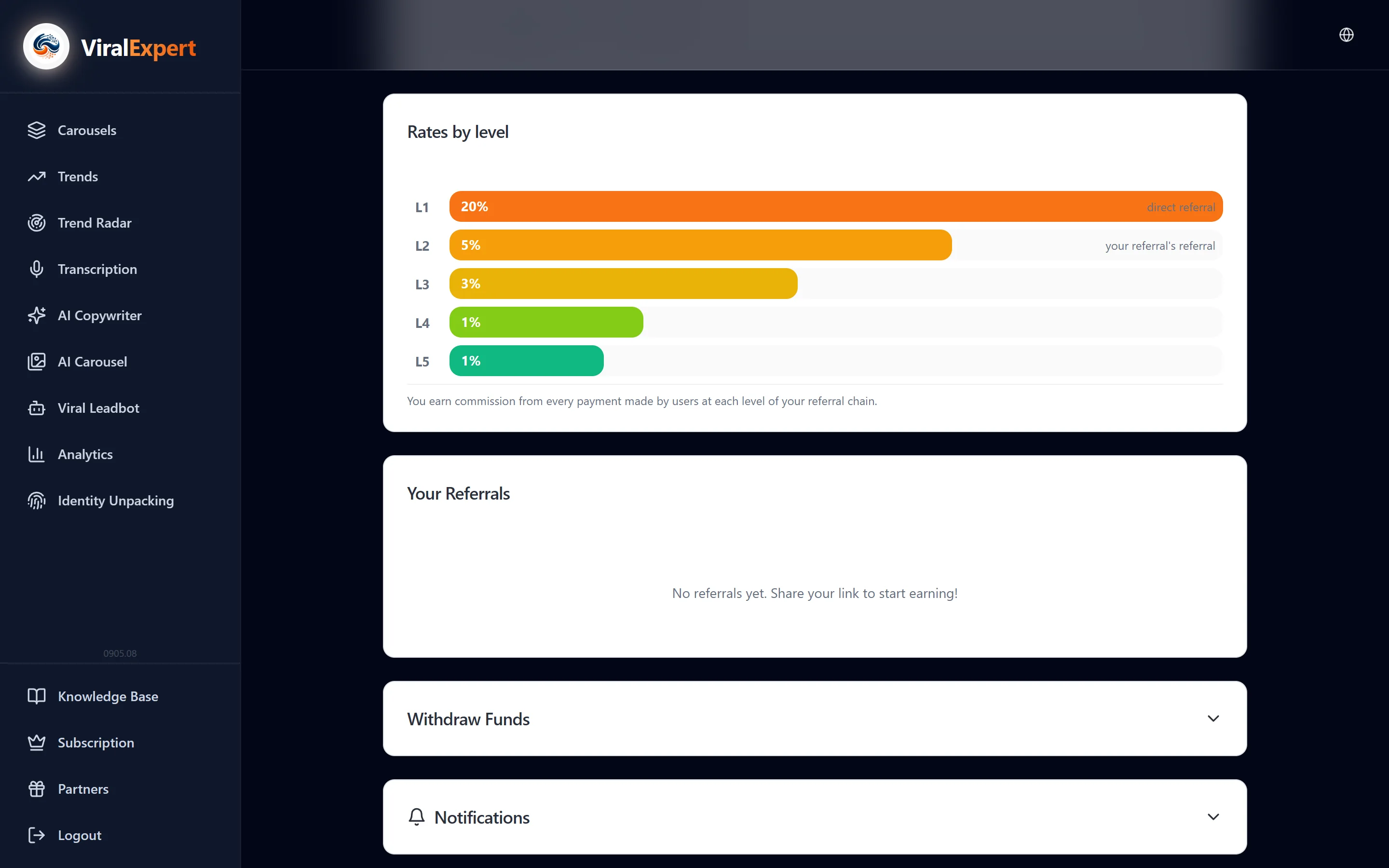
- You get a percentage of every payment by a referral — subscriptions and packs — for life
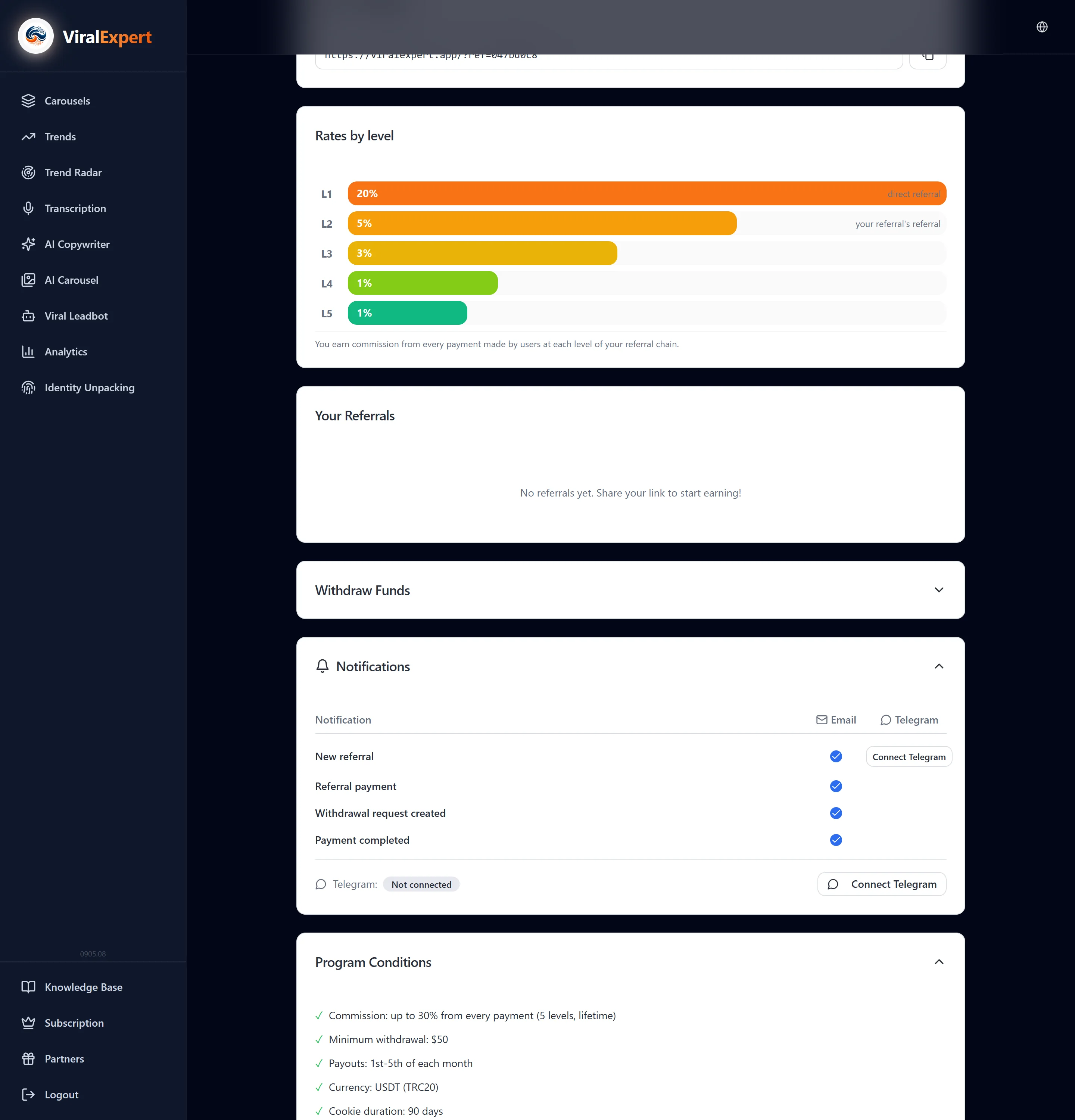
- Five levels: a direct referral, your referral's referral and so on. The rates per level are shown in the “Level rates” block; up to 30% in total
- Individual rates, if assigned to you, are marked as “Custom rate”
Statistics and referrals
- Cards: Clicks, Sign-ups, Paid, Total earned
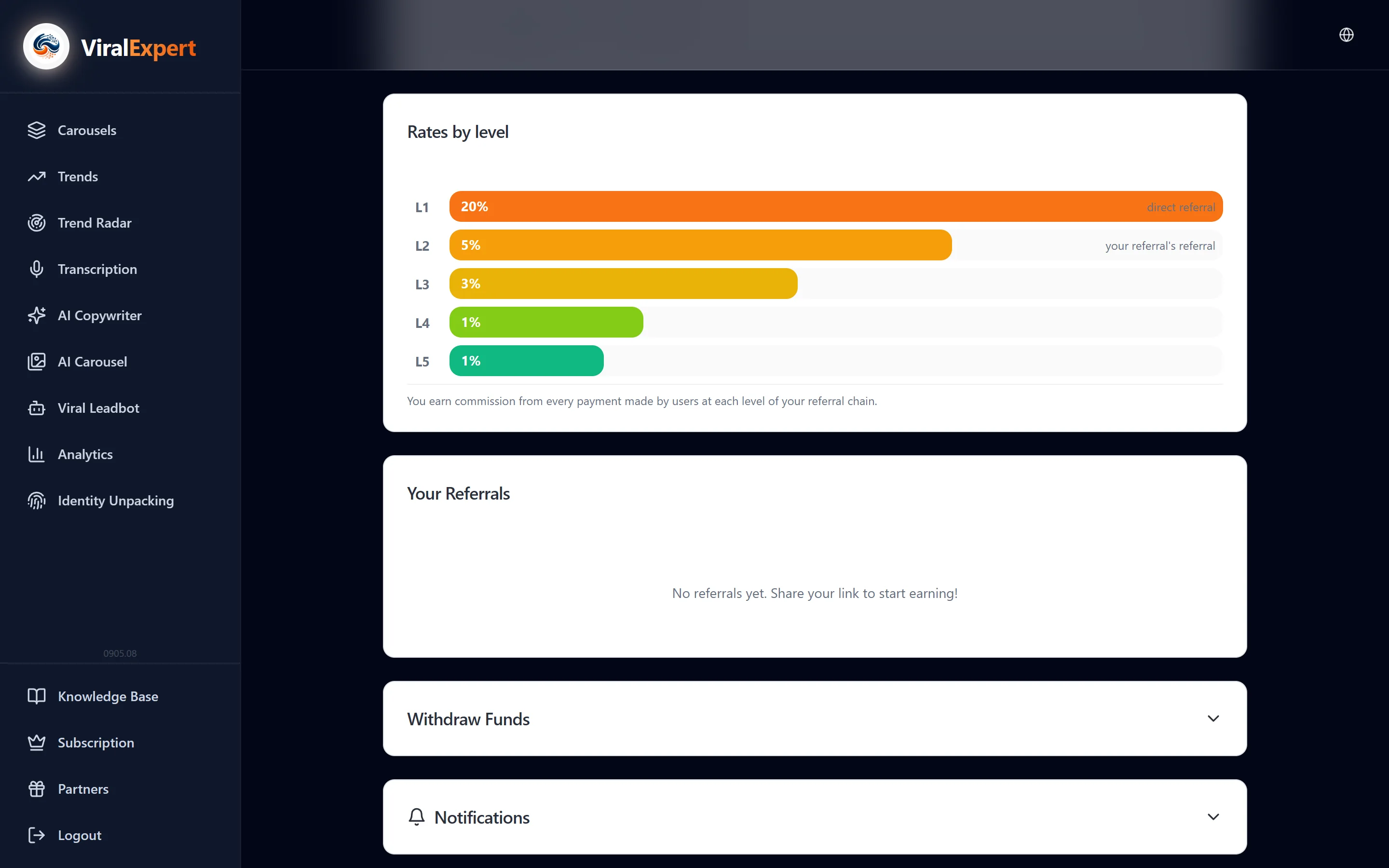
- The “Your referrals” table: e-mail, plan, earned from them, sign-up date
- No referrals yet — “Share your link to start earning!”
Withdrawing funds
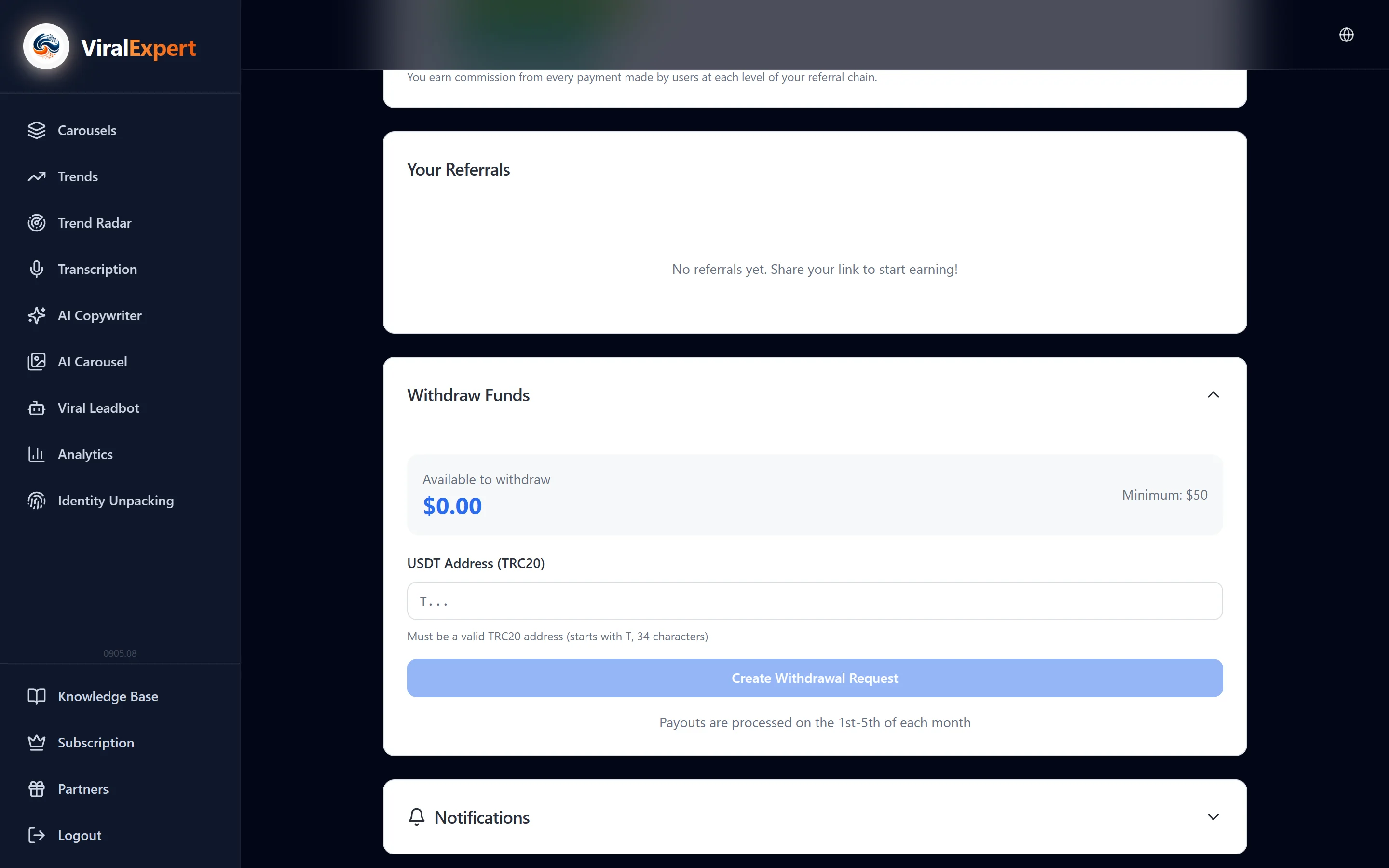
- The “Withdrawal” block: the available balance, the “USDT address (TRC20)” field — starts with T, 34 characters
- The minimum is $50. Click “Create a withdrawal request”
- Payouts are made on the 1st–5th of every month; statuses in the “Payout history”: Pending → Processing → Paid
Important
Double-check the address: a TRC20 transfer can't be reversed.
Notifications and rules
- The “Notifications” block: for every event — new referral, referral payment, withdrawal request created, payout made — turn on e-mail and/or Telegram; for Telegram click “Connect Telegram”
- Terms: up to 30% commission on 5 levels for life, $50 minimum payout, payouts on the 1st–5th, USDT TRC20 currency, 90-day cookie
- Prohibited: self-referral (signing yourself up with your own link), spam and misleading advertising — such accounts are removed from the program
FAQ
Ready to try?
Every tool is free to start. No card required.